


AI tools for website design now fall into two real categories: tools that build the whole site for you, and tools that help a designer build a custom one faster. Picking the right one depends on which job you actually need done.
Here is the plain distinction. A full AI website builder, like Wix or Framer, asks a few questions or takes a short prompt and generates a complete, ready-to-publish site. An AI design tool, like Figma Make or Relume, instead speeds up one part of a larger, more custom build that a designer or developer still finishes.
Using a full AI website builder is like ordering a made-to-measure suit off a rack of preset sizes. It is fast and good enough for most people. Using an AI design assistant inside a custom build is more like having a tailor’s assistant who cuts the first draft of the fabric while the tailor still handles the fitting.
This guide covers 8 tools across both categories, what each one actually costs, what it does, and how to tell which category your business actually needs. By the end, you should know which tool fits your situation, not just which one gets talked about the most.
It is worth saying upfront that this is a fast-moving space. New tools launch and existing ones change their pricing every few months, so treat the figures below as a snapshot rather than a permanent price list, and always check a tool’s own pricing page before you commit to a plan.
What “AI Tools for Website Design” Actually Means
Most tools in this space fall into one of two categories, and confusing them is the most common reason someone ends up with the wrong tool for the job.
- AI website builders generate an entire, ready to publish website from a short questionnaire or a text prompt, aimed at business owners who do not have a designer or developer on hand;
- AI design tools speed up one part of a custom build, such as layout ideas, wireframes, or turning a sketch into code, inside a workflow a designer or developer still controls from start to finish.
No AI tool changes the underlying reason good web design matters for a business in the first place. It only changes how fast the first draft gets made.
This split also explains why searches for “ai tools for website design” turn up such a mixed bag of results, from full website builders to design software to plain chatbots. The phrase itself is broad enough to cover all three, even though only one of them, the AI website builder, is actually built to hand a small business a finished, working site.
The rest of this guide covers full builders first, since that is what most people comparing this topic are actually shopping for, then moves on to the design-assistant tools for anyone building something more custom.
The Best AI Website Builders
These five tools generate a complete website for you, with varying levels of polish, speed, and built in extras.
Wix
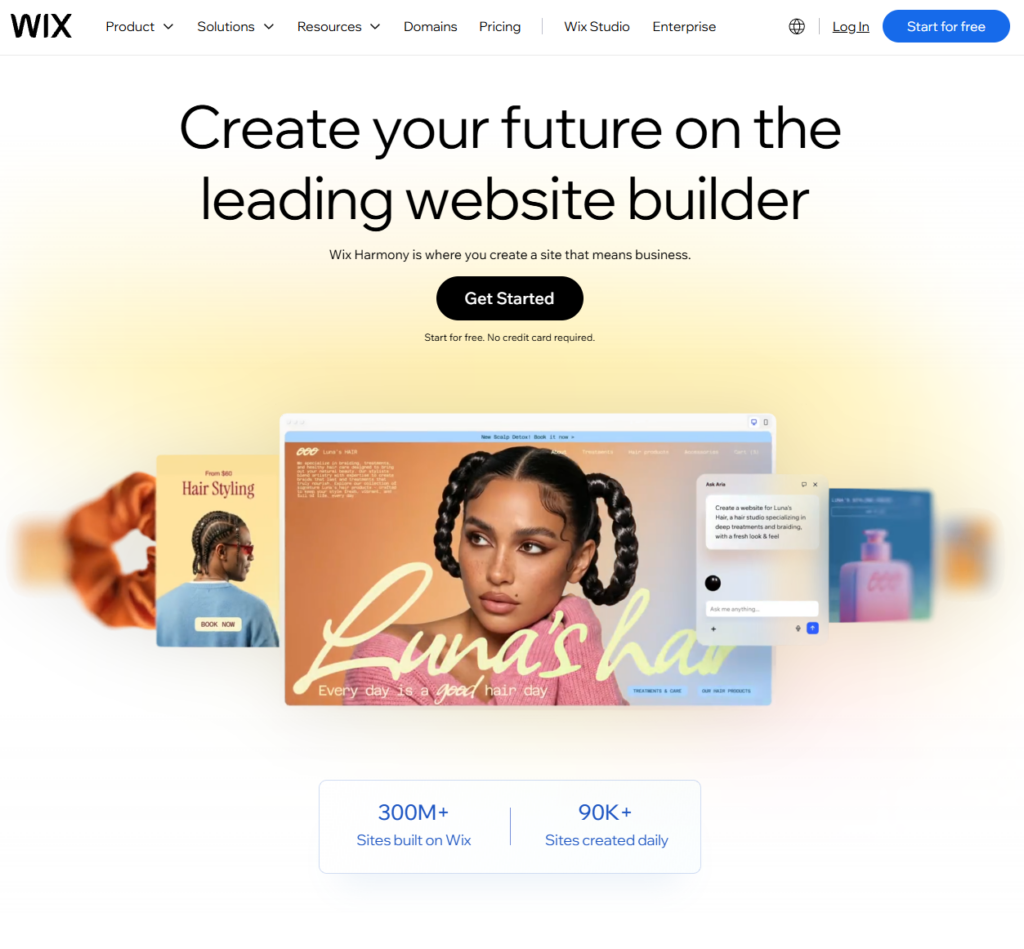
Wix’s AI guided setup flow asks a few questions about your business type and goals, then generates a starting site, with full drag and drop editing available afterward to finish it. It has a free plan with ads and no custom domain, and paid plans run $17 to $39 a month for most small businesses, up to $159 a month for the largest plan. It is the best fit for a business owner who wants the widest ecosystem of built in extras, such as an online store, booking system, or blog, bundled together with the AI setup.
Framer
Framer generates a full site, including layout, animations, and color choices, from a text prompt, and can import an existing Figma design directly if you already have one. It has a free tier with Framer branding, and paid plans start around $10 to $15 a month billed annually, rising to about $30 a month, with a $100 a month tier for high traffic sites. Billing monthly instead of annually runs higher than these figures. Framer is the best fit for a business that wants a highly polished, animation heavy marketing site and does not mind a steeper learning curve than Wix.
10Web
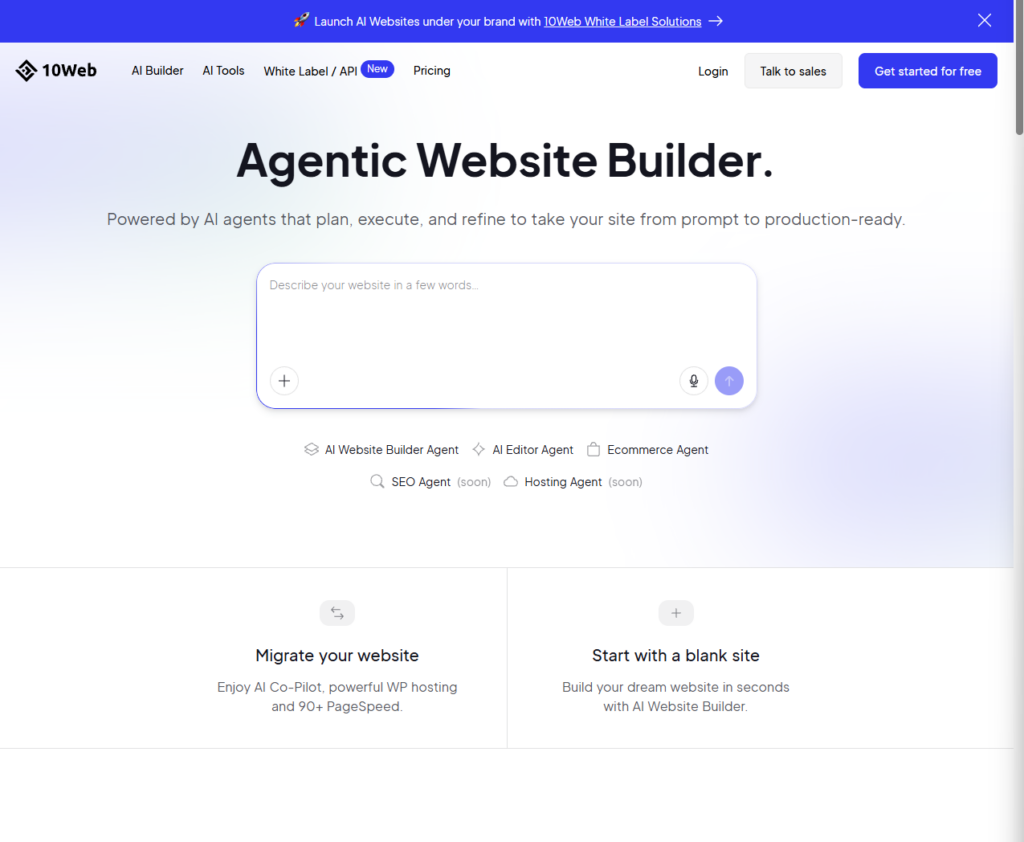
10Web generates a full WordPress site from a text prompt, or by cloning the layout of an existing site, and gives you a visual editor plus access to the underlying code for advanced changes. Its AI Starter plan starts at $10 a month, with a mid tier AI Ultimate plan at $22.50 a month, according to 10Web’s official pricing page. It is the best fit for a business that specifically wants to stay on WordPress, for example to keep using existing WordPress plugins or a developer who is already comfortable with it.
Durable
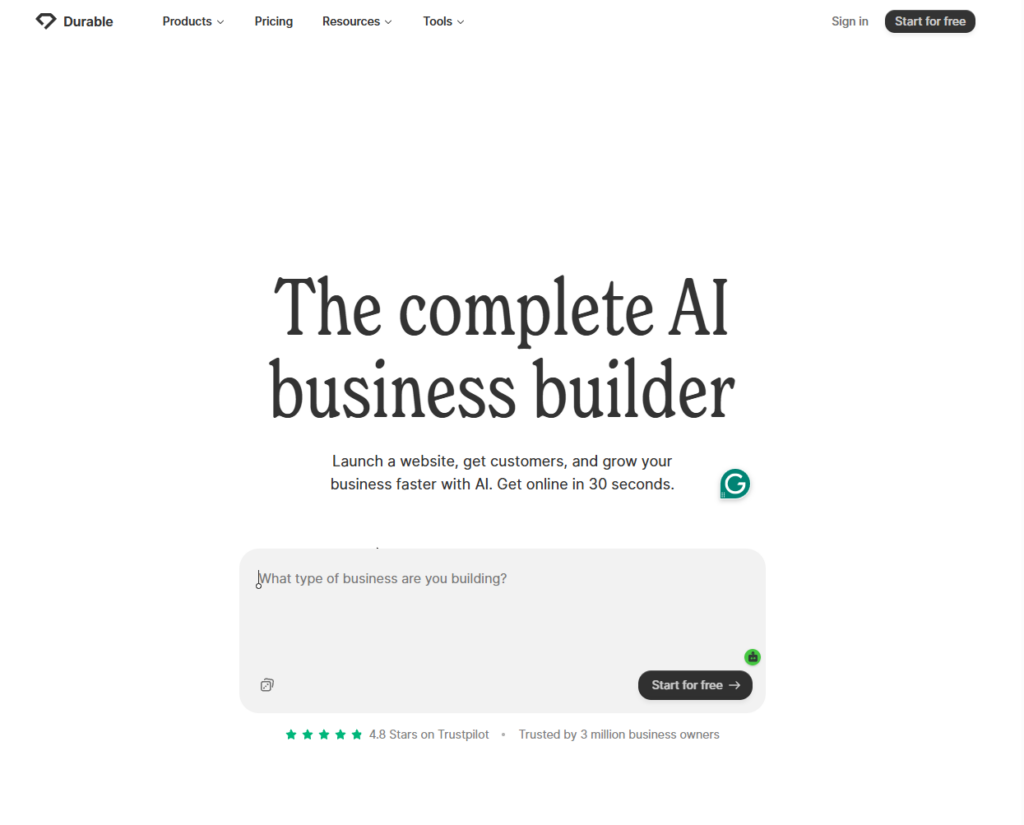
Durable generates a complete starting site in under a minute at no cost. It is built specifically for solo service businesses, such as contractors and consultants, and bundles in a basic CRM (a tool for tracking customer contacts and jobs), invoicing, and an AI customer service assistant alongside the site itself. Generating a site is free; actually publishing and keeping it live runs about $12 to $20 a month. It is the best fit for a one person service business that wants a functional site live today, not necessarily a highly designed one.
GoDaddy Airo
GoDaddy Airo bundles AI generated branding, including a logo, colors, and starting copy, with commerce tools, hosting, and security into one guided setup flow. It is free to start, with paid plans beginning around $9.99 a month. It is the best fit for a brand new business that wants its branding and its website handled in the same guided flow, rather than picking separate tools for each.
AI Design Tools for a Custom or Developer Built Site
These three tools do not generate a finished, ready to publish website on their own. Instead, each speeds up one specific step for a designer or developer who is still building something more custom.
Figma Make Figma Make generates website UI, including full sections like hero banners and contact forms, from a text prompt, directly inside Figma. A designer can then refine the result using Figma’s existing design tools rather than starting over in a separate app, according to Figma’s own product page. It runs on a credit based system built into Figma’s plans, rather than a flat monthly site building fee. It is the best fit for a design team that already works in Figma and wants a faster first draft, not a business looking for a finished, ready to publish site on its own.
Relume Relume generates a full sitemap and a set of wireframes, including placeholder copy, from a text prompt, then exports directly into Webflow or Framer for a designer to finish. It has a free tier, with a Pro plan running about $38 a month. It is the best fit for a designer or agency that wants to skip the blank page at the planning stage of a custom build.
TeleportHQ TeleportHQ converts a hand drawn sketch or mockup into working HTML, React, or Vue code. It has a free tier, with a Pro plan running about $15 a month. It is the best fit for a developer who wants a working code starting point instead of building a layout from scratch.
How to Choose the Right AI Tool for Website Design
Which AI is best for designing a website? There is no single best one. It depends on whether you need a finished site or a faster custom build.
Start by being honest about how much of the work you actually want to hand off. A business that just needs something live this week, with no designer or developer involved at any point, is solving a different problem than an agency that wants to skip the blank page before a custom build starts. The table below sorts the eight tools above by which of those two problems they actually solve, rather than by which one has the most name recognition.
| If you need… | The right category is… | Example tools |
|---|---|---|
| A ready to publish site with no designer involved | An AI website builder | Wix, Framer, 10Web, Durable, GoDaddy Airo |
| A fast, functional site today for a one person service business | An AI website builder built for speed | Durable |
| To stay on WordPress specifically | A WordPress based AI website builder | 10Web |
| A faster starting point for a custom, designer built site | An AI design tool | Figma Make, Relume, TeleportHQ |
| Existing hand drawn sketches or mockups turned into real code | An AI design tool for developers | TeleportHQ |
A good website is only one part of a working marketing setup. If you are building out your toolkit beyond just the site itself, our other roundup of digital marketing tools covers the rest of it.
Do These Tools Replace a Web Designer?
Can ChatGPT design a website? Can I design my website with AI? Both are worth answering honestly, since they come up constantly around this topic.
General chat AI tools like ChatGPT can describe what a site should include, or even generate basic code snippets, but they are not built specifically for visual website design the way the dedicated tools above are. A purpose built AI website builder or design tool will get you a usable result faster and with far less manual cleanup than asking a general chat AI to do the same job.
That said, every tool above still produces a starting point, not a finished, on-brand, fully tested site. Unusual layouts, real accessibility work, and ongoing technical maintenance still typically need a person involved, whether that is the business owner themselves or a hired designer.
A useful way to think about it: an AI tool answers “what could this site look like,” while a designer answers “does this actually work for my specific customers, my specific brand, and my specific goals.”
Those are related questions, but they are not the same question, and a business that skips straight from an AI draft to a live site without asking the second one often ends up with a generic looking result that is harder to tell apart from a competitor’s AI generated site than either owner would like. If you want to see what a fully custom, professionally built result looks like next to these AI-generated starting points, take a look at our web design work in Bakersfield.
Frequently Asked Questions
Which AI is best for designing a website?
There is no single best tool. The right one depends on whether a finished, ready to publish site or a faster custom build is the actual goal.
Can ChatGPT design a website?
It can describe a design or write basic code, but it is not built specifically for visual website design the way the dedicated tools above are.
Can I design my website with AI?
Yes. Tools like Wix, Framer, 10Web, Durable, and GoDaddy Airo can generate a full, publishable site directly from a short questionnaire or a text prompt.
What AI is better than ChatGPT?
For website design specifically, purpose-built tools like the ones above will outperform a general chat AI, since they are built to actually generate and edit a site, not just describe one.
Get Help Building or Improving Your Website
AI tools are a fast way to get a starting point, but a business that depends on its website for real leads usually still benefits from a person who can finish, brand, and maintain it properly. Webmark builds fully custom websites and can also review or rebuild a site that started as an AI-generated draft.
Want a second opinion on your AI-generated site, or ready to build something custom? Book a free consultation or contact us and we will help you figure out the right next step.